
UnbarUnbar: Cinema View for Safari
Cinema View for SafariThe ultimate ultrawide experience.
No more black bars.
Unbar intelligently fills your screen by removing distracting letterbox and pillarbox bars from video in Safari.
Works on
…and many other sites that play video
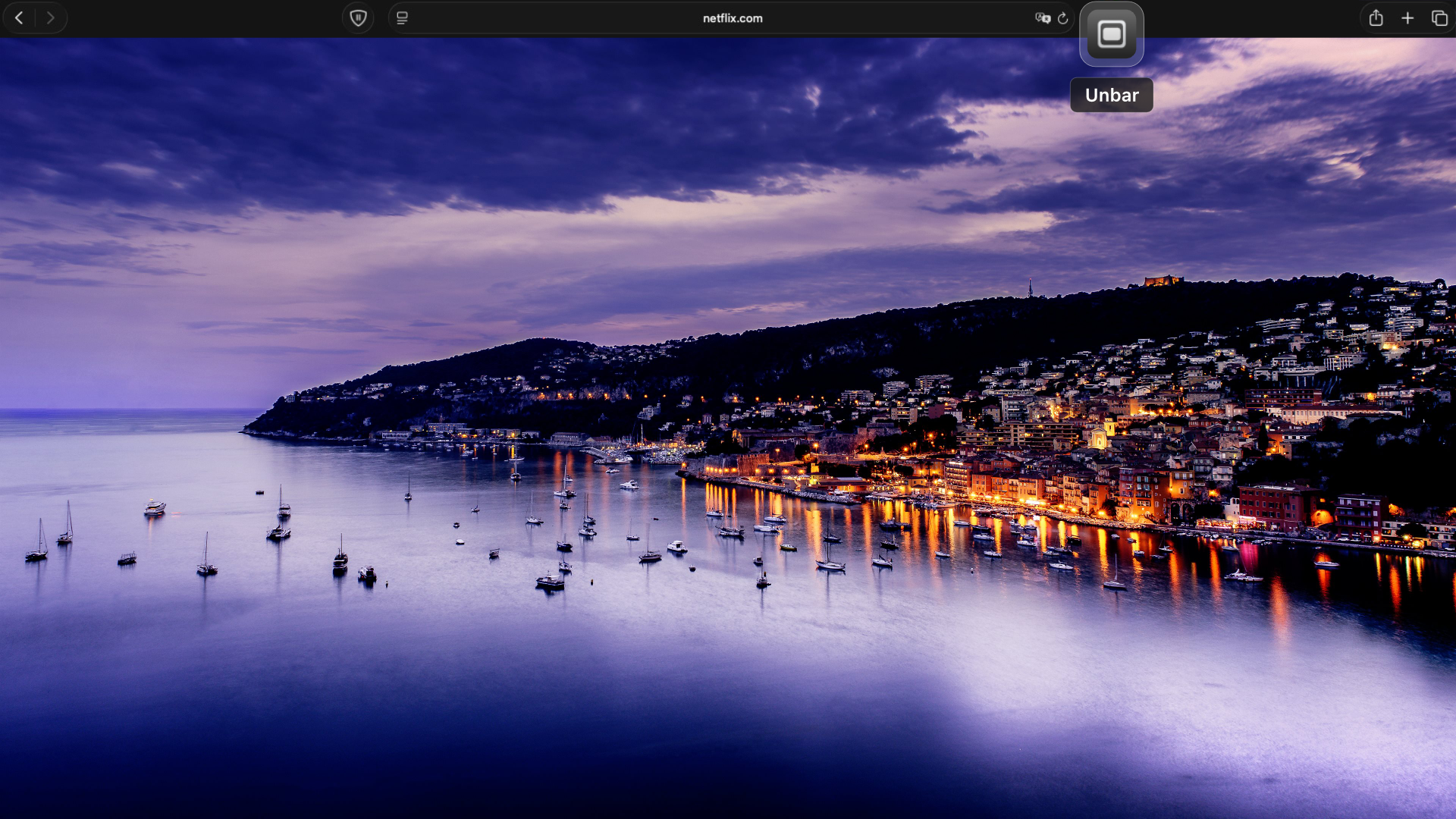
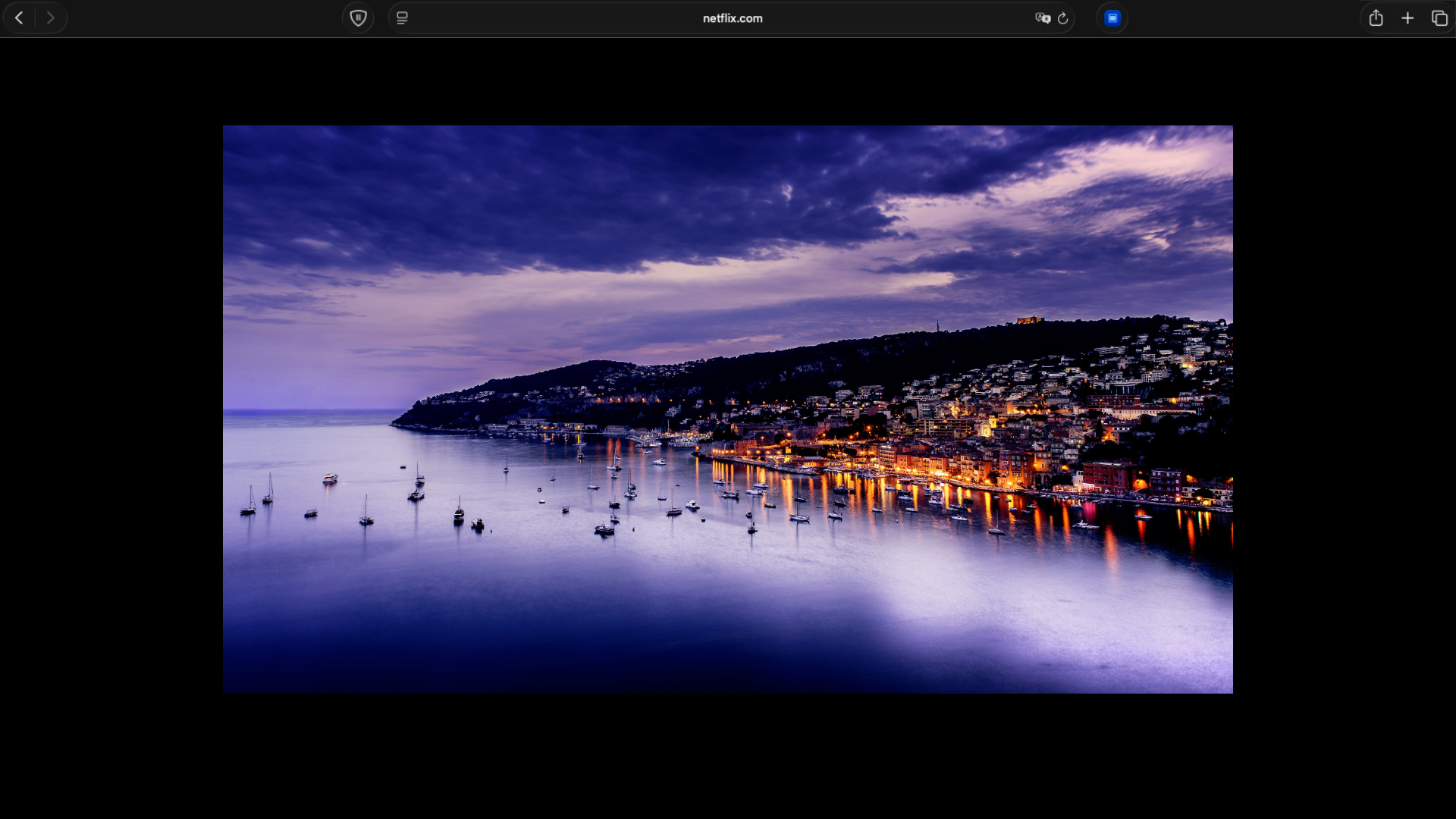
Edge-to-Edge Viewing
Drag the slider to compare. Unbar fills your screen by eliminating distracting black bars.
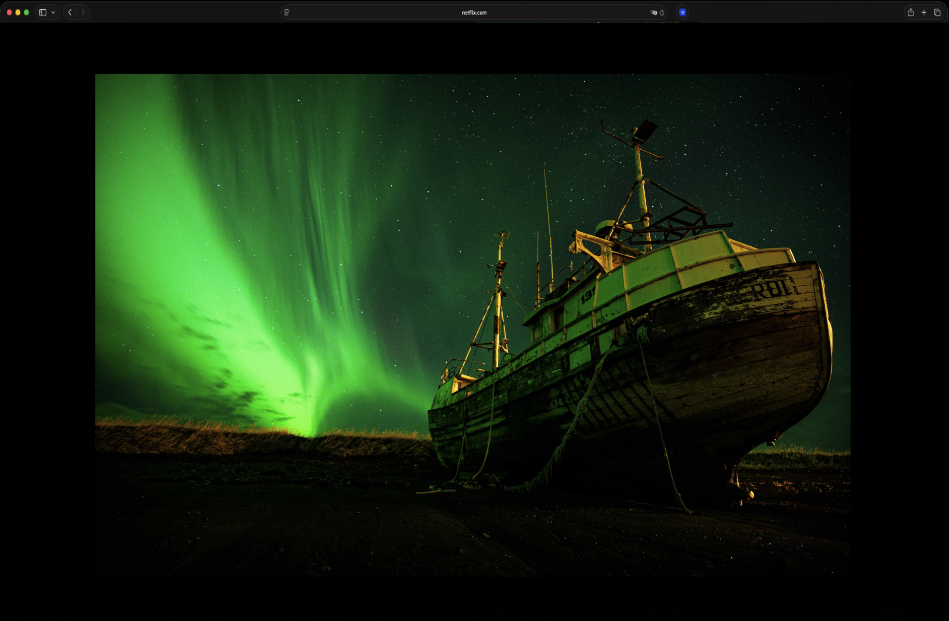
Black bars eating into your screen
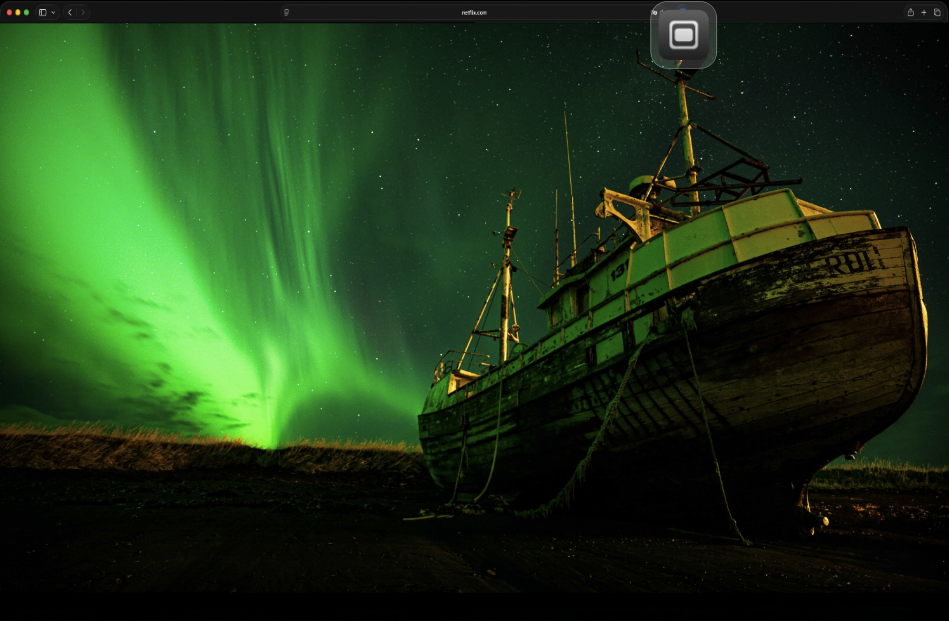
Edge-to-edge after Unbar
Up and running in seconds
- 1Download Unbar from the App Store
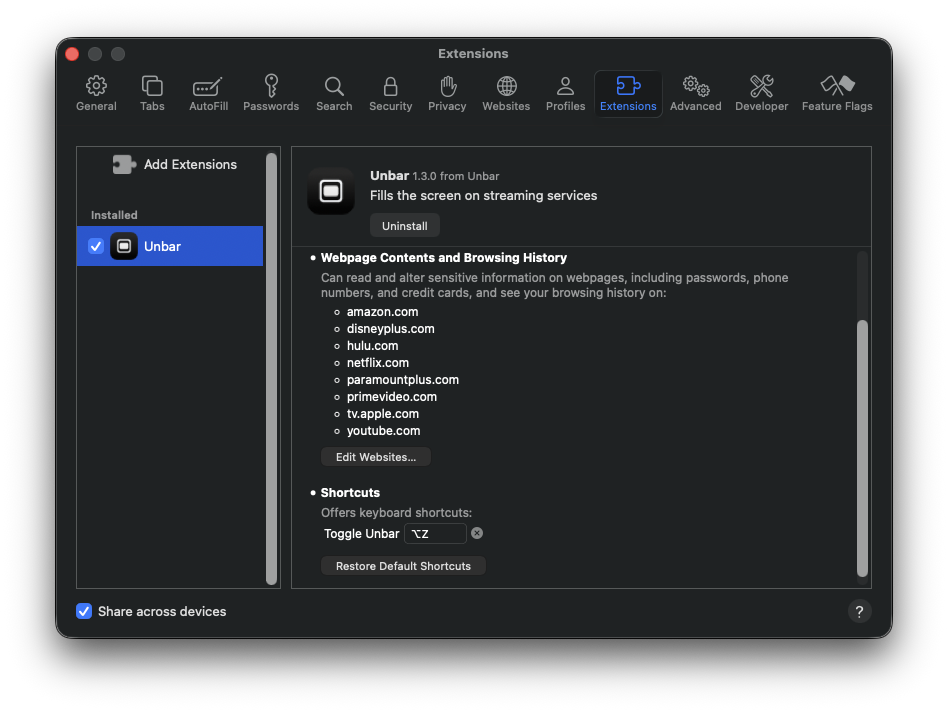
- 2Open Safari → Settings → Extensions
- 3Enable Unbar in the extensions list
- 4Open a page with a video and press ⌥ + Z
Works on Many Video Sites
Unbar is not tied to a list of services. If a page plays video in Safari, it can usually fill the screen.
Simple & Instant
One click or one keystroke. No page reload, no menus to dig through.
Seamless Toggle
Switch back to the original aspect ratio anytime.
Step Zoom Control
Fine-tune the zoom in 5% steps, or snap back to the default view.
Minimal Access by Design
Unbar reads a page only at the moment you use it, on the tab you’re watching. It keeps no list of the sites you visit and asks for no standing access to any site.
Get Unbar
The ultimate ultrawide experience.
Lifetime License
One-time purchase. No recurring fees.
- Major streaming sites and many more
- Eliminate distracting black bars
- Native Safari extension for Mac
- Smart automatic letterbox detection
- Instant control with keyboard shortcuts
- Step zoom in 5% increments
Ready for a better viewing experience?
Enjoy your ultrawide screen to the fullest.